

06 Apr Karnataka Birth Certificate Format Download Guide
Karnataka Birth Certificate Format Download Guide
Table of Contents
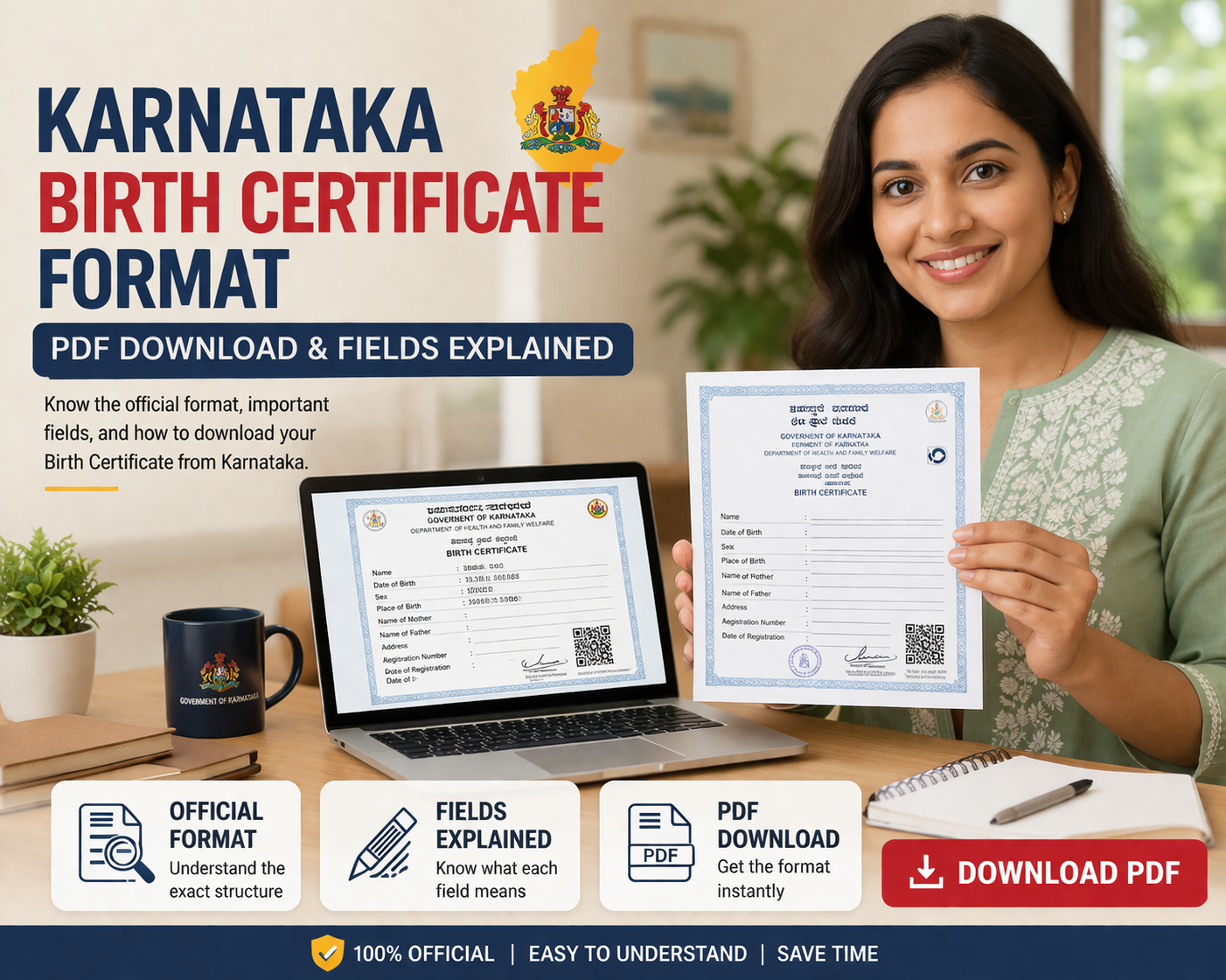
- Birth Certificate Format Karnataka: Fields, Downloads, and What the Document Looks Like
- 1. Standard Formats — What Exists and Why There Are Multiple
- 2. Karnataka Birth Certificate Sample PDF — Where to Actually Find One
- 3. Key Fields Breakdown
- 4. Digital vs. Printed — Which Version Is Valid
- 5. Customization Rules — Can You Modify the Format?
- 6. Verification — How to Check If a Certificate Is Genuine
- 7. Common Format Variations
- 8. Where to Download Your Certificate
- 8. Faq
Online Gazette Application Form


Birth Certificate Format Karnataka: Fields, Downloads, and What the Document Actually Looks Like
Before embarking on this work I did not imagine that I would be specifically asked for a sample Karnataka birth certificate regularly. Not because they want to fake one — it's usually just the opposite. They've acquired a certificate and want to confirm it's legitimate before submitting it somewhere significant. A passport application. A school admission. A visa.
The worry is legitimate. Karnataka has been issuing birth certificates through different systems over the decades and not all are the same design.
This guides you through the current touches of birth certificate format in Karnataka what different fields mean in this format, where to download legitimate samples and few things that trips people when they use older formats for new applications.
1. Standard Formats — What Exists and Why There Are Multiple
No single birth certificate design is uniform across all issuing authorities in Karnataka. Who issued it, and when. What you get depends on who issued it and when.
The three formats that are actively used are:
- Municipal Corporation format — Mysuru, Hubballi-Dharwad, Mangaluru, Belagavi and Kalaburagi BBMP (Bengaluru) Municipal Corporation format. In certificates dated after 2018, these display corporation letterhead and registration numbers as well as a QR code.
- Gram Panchayat format — for births registered under rural Karnataka. Simpler layout. The QR verification feature is sometimes missing, depending on how digitized the records of the panchayat are.
- Central Government format — The Central Government has a specific format for birth and death certificates, as per the Registration of Births and Deaths Act of 1969. This format is prescribed by the Registrar General of India. While certificates from Karnataka generally follow this structure, they can look different in terms of design and may include additional fields that are specific to the local area.
One thing that really throws people off is the difference in how certificates looked before 2012 compared to now. Older ones don't have a QR code, the labels are different, and sometimes they're only in Kannada - with no English translation to help you out. It's like they're two completely different things.
2. Karnataka Birth Certificate Sample PDF — Where to Actually Find One
I'll be direct here. There is no official "download a blank birth certificate format" link on any Karnataka government website that I've been able to verify as of March 2026. What exists are:
- Seva Sindhu portal (sevasindhu.karnataka.gov.in) — You can get your own certificate from the Seva Sindhu portal. Just go to sevasindhu.karnataka.gov.in and apply. After that, you can download your certificate - it will have all your details, not just a blank template.
- BBMP portal (bbmpgov.in) — You can get your certificate from the BBMP portal, which is bbmpgov.in. Make sure to download the one that's registered, not just a sample.
- eJanma (ejanma.karnataka.gov.in) — In Karnataka, there's a special website called eJanma, which can be found at ejanma.karnataka.gov.in. This is where the state keeps track of all the birth and death records. Most of the birth records in Karnataka are now stored digitally on this website. If your birth was registered in the system, you can easily download your birth certificate from the eJanma website. It's a convenient way to get a copy of your important documents.
If you're looking to get an idea of what a Karnataka birth certificate looks like before you apply, you might be out of luck - the government doesn't actually release official blank samples. So, what can you do? You can try looking at redacted copies that people have shared online, or check out format explanations from organizations that offer legal aid. I would definitely recommend trusting those sources over downloading unofficial PDFs from random websites, which can be outdated or even designed to confuse you.
3. Key Fields Breakdown
Every current Karnataka birth certificate, regardless of issuing authority, should have these fields:
Registration details:
- Registration Number (unique to each certificate)
- Date of Registration
- Issuing Authority name and seal
Child details:
- Name of child (sometimes left blank if not declared at registration and filled later)
- Date of Birth
- Time of Birth (in some formats)
- Place of Birth — name of hospital or home address
- Sex
Parent details:
- Father's name
- Mother's name
- Address at time of birth
- Father's educational qualification (required in newer formats — this surprises people)
- Mother's educational qualification
Informant details:
- Name of person who reported the birth
- Their relationship to the child
- Date of report
- Remarks column — used for corrections, annotations, or delayed registration notes
One field that catches people off guard: educational qualification of parents. It's mandatory in the current format under the Registration of Births and Deaths (Amendment) Act. Some older certificates don't have it. Institutions that know this won't flag it. Some that don't know will ask why it's missing.
4. Digital vs. Printed — Which Version Is Valid
Short answer: both, with caveats.
When you get a certificate from eJanma or Seva Sindhu, it comes with a digital signature from the person who issued it. This makes it legally valid, thanks to the Information Technology Act. A lot of places, like government offices, banks, and schools, will accept these certificates as they are. They are just as good as the ones you'd get in person.
When you get a document from the municipal office, it has a special seal and the registrar's signature on it. This physical copy is still preferred by some authorities, like foreign embassies and older institutions, because it has that official seal and signature. They like to have the real thing, not just a printed copy without the extra verification.
Here's what doesn't work: when someone prints out a certificate that has a digital signature, and then they scan it and upload it again. The digital signature is only good for the original copy that was downloaded. When you scan it and upload it again, that breaks the connection, so it's no longer valid.
I've come across a situation where this has led to issues with visa applications. Someone had downloaded their certificate correctly and it was valid, but then they scanned it and sent the scan to their agent via email. The agent then submitted this scanned copy, only to have the embassy flag it as unverifiable. It's something to keep in mind before passing any files on to others, to avoid potential problems down the line.
5. Customization Rules — Can You Modify the Format?
You can't make any changes to the birth certificate format. It's set by the people in charge and by a law called the Registration of Births and Deaths Act. This means you're not allowed to add or remove any information, change the way it looks, or translate it into another language yourself. You also can't alter the layout or make any other changes. The certificate has to stay exactly as it is.
So, you're looking for a translation of a document, like a certificate that's only in Kannada, into English. In that case, you should get a certified translation from a sworn translator or have it notarized. Don't just edit the PDF yourself, that's not the right way to do it. You need an official translation that's been verified by someone who's authorized to do so. This is important because it ensures that the translation is accurate and reliable, which is especially crucial for official documents like certificates.
Changing a birth certificate, even if it's just to make it look better or add a translation, is considered tampering with a document. And the consequences of doing that are a lot worse than just having to get a proper translation. It's not worth the risk, because tampering with official documents can lead to serious problems.
6. Verification — How to Check If a Certificate Is Genuine
You can easily verify a Karnataka birth certificate that has a QR code by scanning it. When you scan the code, it will take you to the eJanma portal, where you can see all the details of the certificate.
To verify an older certificate that doesn't have a QR code, you need to get in touch with the people who issued it, which could be the municipal ward office or the gram panchayat. Then, you have to ask them to check the registration number for you.
You can verify your details online through the eJanma portal, which is available at ejanma.karnataka.gov.in. To do this, you will need to have your registration number and date of birth ready. However, it's worth noting that this online verification option may not always work, especially if the certificate was issued before the district's records were fully digitized. In such cases, the only reliable way to verify your certificate is through offline methods.
Here's something to keep in mind: you don't have to pay a private company to verify a birth certificate from Karnataka - the government's website will do it for free. Some of these private verification services might try to charge you for something that's actually available at no cost.
7. Common Format Variations
Across Karnataka, you'll encounter a few consistent differences:
Language: In Bengaluru and most city corporations, certificates are usually written in two languages - Kannada and English. But in rural areas, certificates from panchayats often only have Kannada, especially the older ones from before 2015.
Name at birth: Older certificates frequently leave the child's name blank because parents hadn't formally declared a name within 21 days of registration. The name gets added later via a separate process. This leaves a "Name of Child: —" field that confuses institutions unfamiliar with the practice.
Hospital vs. home births: Hospital births in most cases have more complete records. Home births — still common in rural areas — sometimes have only a midwife's declaration as supporting evidence, which can affect how complete the registered details are.
Delayed registration: If a baby's birth isn't registered right away, it can cause some issues later on. Normally, a birth should be registered within 21 days, but if it's not, the birth certificate will say it's a delayed registration. This doesn't mean the certificate isn't valid, it's just that some places might ask more questions about it. It's like a flag that goes up, saying "hey, this birth was registered a bit late, let's take a closer look". But the certificate is still good, it's just got that extra note on it.
8. Where to Download Your Certificate
These are the official sources to try, and they're listed in the order you should try them first.
- eJanma portal — ejanma.karnataka.gov.in — best for births registered in Karnataka since roughly 2009 onward
- Seva Sindhu — sevasindhu.karnataka.gov.in — apply for a copy if it's not available on eJanma directly
- BBMP portal — bbmpgov.in — specifically for BBMP-registered births in Bengaluru Municipal office visit — if online records aren't found, the physical office holds the registers; you can request an extract in person Be careful when looking for Karnataka birth certificate PDFs online. Some websites might have the right format, but their advice on what's legally okay to use might not be correct. It's best to get your information from a trusted source to avoid any problems.
FAQ:
How to download birth certificate format in Karnataka PDF?
You can't download a blank format — the government doesn't publish one. What you can download is your own certificate. Try ejanma.karnataka.gov.in first using your registration number and date of birth. If it's not there, apply through Seva Sindhu or visit the issuing municipal office. Third-party PDF downloads labeled "Karnataka birth certificate format" are not official documents.
What are the mandatory fields in birth certificate format Karnataka?
Every current certificate must have: child's name, date of birth, place of birth, sex, father's name, mother's name, both parents' educational qualifications, family's address at the time of birth, registration number, date of registration, and the issuing authority's seal. Mandatory fields in Karnataka birth certificate format have expanded over the years — older certificates may be missing the educational qualification columns. That's normal. It doesn't make the older certificate invalid.
How to fill a blank birth certificate format Karnataka form?
You don't fill a blank certificate yourself. The form is filled by the registrar based on information you submit. You submit a birth report — usually within 21 days — at the municipal office, hospital, or gram panchayat. They complete the entry in the register and issue you a certificate. If you're looking for the information form to report a birth, that's available at the issuing office or sometimes on the eJanma portal.
Is the birth certificate format Karnataka same as BBMP?
Structurally, yes. Fields are the same — mandated by the Registration of Births and Deaths Act. The layout and visual design differ. BBMP certificates have BBMP's letterhead and logo. Karnataka municipal corporation certificates have their respective branding. Both are valid. BBMP birth certificate format and the general Karnataka format carry the same legal weight; the issuing authority is just different.
How to get an official birth certificate format Karnataka sample?
The most reliable way: request a certificate copy from eJanma or Seva Sindhu for a registered birth. That gives you a real document, not a guessed template. Karnataka government offices don't publish official blank samples for public download. Legal aid organizations occasionally share redacted samples for reference. Anything else circulating online should be treated with skepticism.
Can I use a custom birth certificate format Karnataka legally?
No. Full stop. The format is fixed by the issuing authority and the Registration of Births and Deaths Act. You cannot create, modify, or substitute a custom format. If you need a translated version or a formatted version for a specific institution, get a certified translation done by a recognized translator. Editing the original PDF — even cosmetically — is document tampering.
How to validate birth certificate format in Karnataka online?
Scan the QR code on the certificate. It should link to the eJanma portal and display the registered details. If there's no QR code (older certificates), go to ejanma.karnataka.gov.in and use the verification option with the registration number. Online validation of Karnataka birth certificate format doesn't work for all older records — some pre-digitization certificates need offline verification at the issuing office. That's free. Don't pay a service for something the government portal does at no cost.
What size paper for printing birth certificate format Karnataka?
A4. That's the standard. Don't print on legal or letter size — it shifts the layout and can cause issues when the document is physically reviewed. For certificates downloaded from eJanma or Seva Sindhu, print at 100% scale (not "fit to page"). Scaling down cuts off the digital signature or QR code in some layouts.
Differences in birth certificate format Karnataka old vs. new?
Significant ones. Old vs. new Karnataka birth certificate format differences include: no QR code on pre-2018 certificates, no parent educational qualification field on pre-amendment certificates, Kannada-only text on many older rural certificates, and different registration number formats. Older certificates are still legally valid. But if an institution flags a missing field, you may need to explain that the field didn't exist when the certificate was issued. A letter from the issuing authority confirming this sometimes helps.
How to edit fields in birth certificate format Karnataka PDF?
You can't — legally. If there's an error in the certificate, the correction goes through Seva Sindhu or the municipal office, not through PDF editing. Editing a government-issued certificate is illegal regardless of the reason. If the error is minor and you're wondering whether it matters, the safer answer is: fix it properly. A mismatched name between a birth certificate and a passport application will cause problems eventually. Better to correct it at the source than manage around it.